
Experts say a simple setting or app could be quietly draining your battery faster than ever.
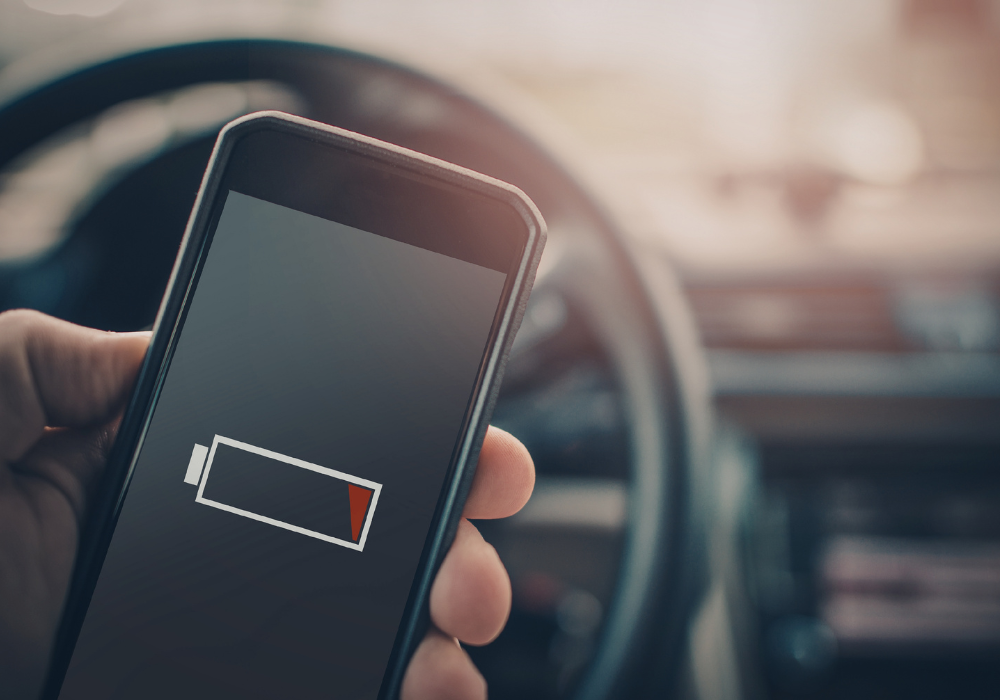
You’re not imagining it. Your phone really does seem to be dying faster than it used to. One day it lasts all afternoon, and the next you’re searching for a charger before lunch. It’s frustrating, especially when your daily habits haven’t changed much.
The good news is your battery likely isn’t failing. In many cases, a few hidden settings or background apps are quietly draining power. Once you spot them, it is often surprisingly easy to fix the problem.
1. It starts with a battery that suddenly feels unreliable

One day your phone makes it comfortably through the afternoon. The next, it is struggling before lunch and leaving you searching for a charger. It feels random, but it usually is not.
A sudden drop like this rarely happens without a reason. Batteries tend to decline gradually, not overnight.
In most cases, something behind the scenes has changed. A setting, an app, or even a system process may now be using more power than before.
2. A recent update may have triggered the change

Think back to the last time your phone updated. Even a routine update can introduce new features that run in the background.
After an update, your phone often reprocesses data, organizes files, and optimizes apps. This can temporarily increase battery usage.
Sometimes the change sticks around longer. Certain updates add new defaults or behaviors that quietly keep draining power day after day.
3. Background apps are using more power than you realize

Closing an app does not always mean it stops working. Many apps continue refreshing content and checking for updates throughout the day.
Each one may only use a little energy on its own. When several are doing this at once, the drain becomes noticeable.
Apps that rely on constant updates, like social media or email, are often the biggest offenders. They keep your phone busy even when you are not looking at it.
4. Location services could be running nonstop

Location tracking is one of the biggest battery drains on any phone. Some apps request access to your location all the time, not just when you use them.
This means your phone is constantly checking GPS signals in the background. That process uses more power than most people realize.
If multiple apps are doing this, the effect multiplies. It can quietly chip away at your battery throughout the entire day.
5. Your screen settings might be working against you

Your display is one of the most power-hungry parts of your phone. Brightness levels and screen timeout settings make a big difference.
If your brightness is set too high, your battery drains faster every time you use your device. Even auto-brightness can sometimes stay higher than necessary.
A longer screen timeout also adds up. If your screen stays on when you are not actively using it, you are losing battery without even noticing.
6. Push notifications are constantly waking your phone

Every time your phone lights up or buzzes, it uses a small burst of energy. Over time, those small bursts add up.
Apps that send frequent notifications can keep your phone from ever fully resting. It is constantly waking up to check and display updates.
This repeated activity keeps your battery under steady strain. Reducing unnecessary notifications can make a bigger difference than you might expect.
7. Poor signal strength forces your phone to work harder

If you are in an area with weak reception, your phone has to work harder to stay connected. It constantly searches for a stronger signal.
That ongoing effort drains battery faster than normal use. You may notice it more when traveling or inside certain buildings.
Even switching between Wi-Fi and cellular can contribute. The more your phone has to adjust, the more power it uses behind the scenes.
8. Battery health may be slowly declining

Over time, all batteries lose their ability to hold a charge. It is a normal part of using any smartphone.
If your phone is a few years old, this could be part of the issue. The battery simply does not store as much energy as it once did.
This kind of decline is gradual, but it becomes more noticeable with daily use. What used to last all day may now fall short.
9. Charging habits can make the problem worse
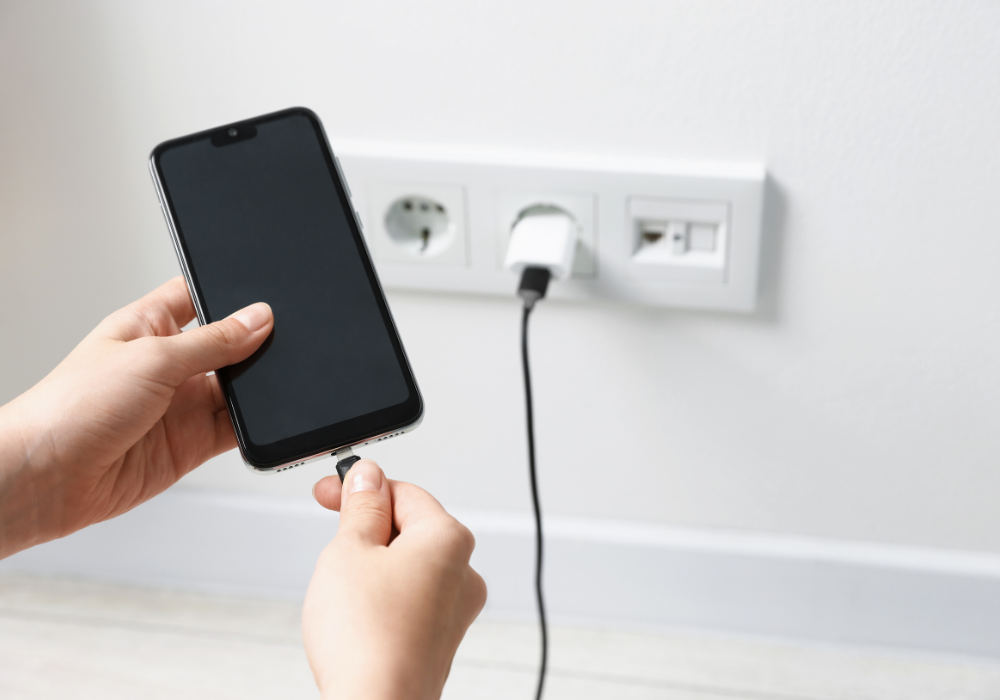
How you charge your phone matters more than most people think. Frequent full discharges or constant overnight charging can affect battery health over time.
Using low-quality chargers or cables can also impact performance. They may not deliver power as efficiently.
Small habits add up. Over time, they can contribute to a battery that drains faster and feels less reliable throughout the day.
10. A few small changes can make a big difference

The good news is most battery issues are fixable. You do not need to replace your phone to see improvement.
Adjusting settings, limiting background activity, and managing notifications can quickly reduce unnecessary drain.
Once you identify what is causing the issue, your phone can start lasting longer again. Often, it just takes a few simple tweaks to get back on track.