
That tiny green dot is your phone quietly tattling on you.
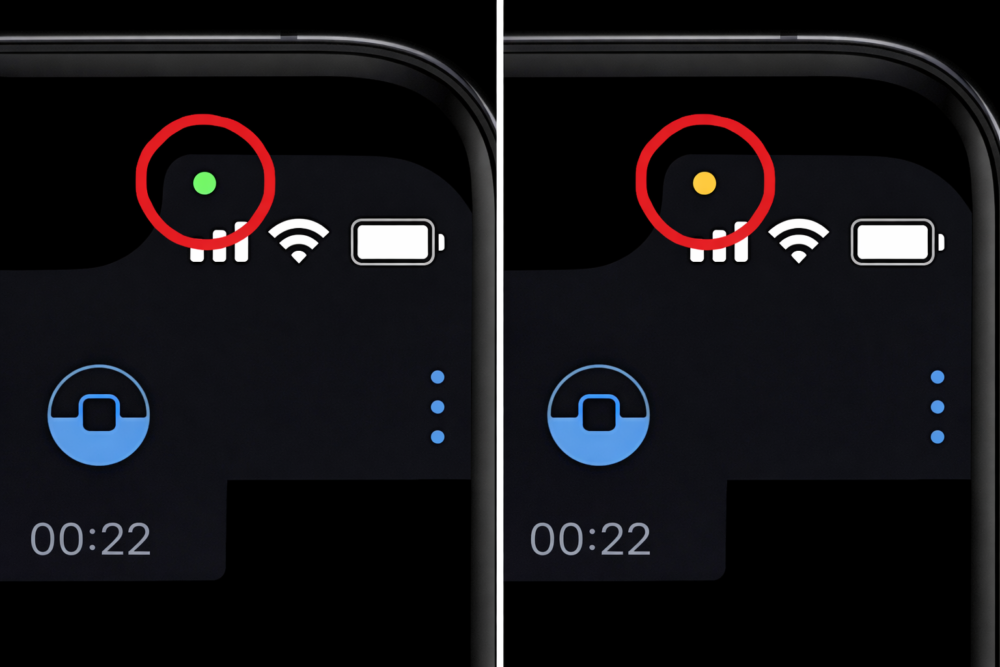
The first time you notice the little green dot on your smartphone, it feels like the device is trying to tell you something without actually saying it. And honestly, it kind of is.
That dot is a privacy indicator, and once you know what triggers it, you’ll start spotting it all the time. The good news is it’s usually harmless. The better news is it gives you a simple way to catch apps being a little too curious.
1. It means your camera is being used.
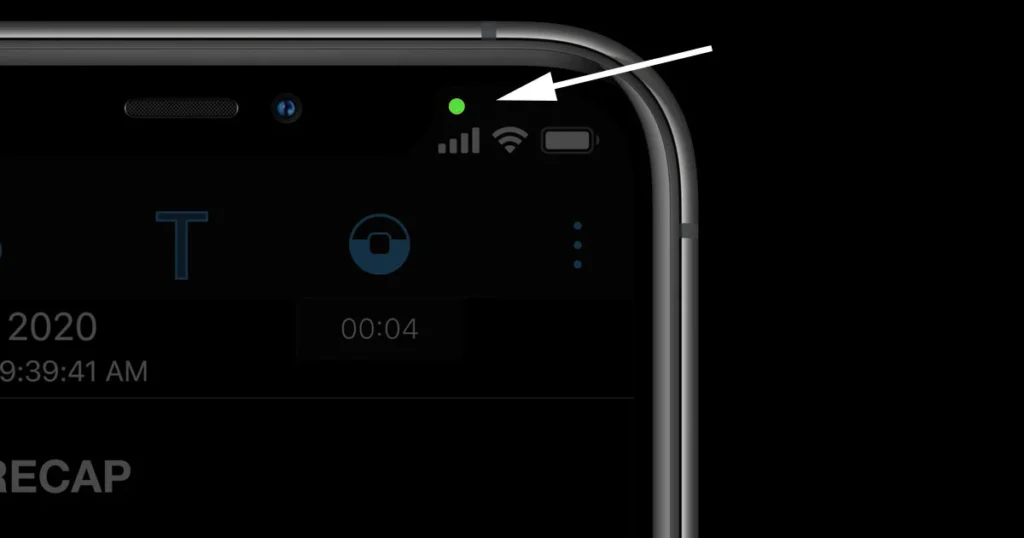
That green dot is basically your phone’s way of saying, “Hey, your camera is active right now.” It appears when an app is accessing your camera in real time, even if you’re not actively taking a photo.
Most of the time it’s normal, like when you’re on FaceTime, recording a video, scanning a QR code, or using Instagram stories. But if it pops up when you’re doing something random like reading email, that’s your sign to pause and check what app is running.
2. It can also mean your microphone is being used.
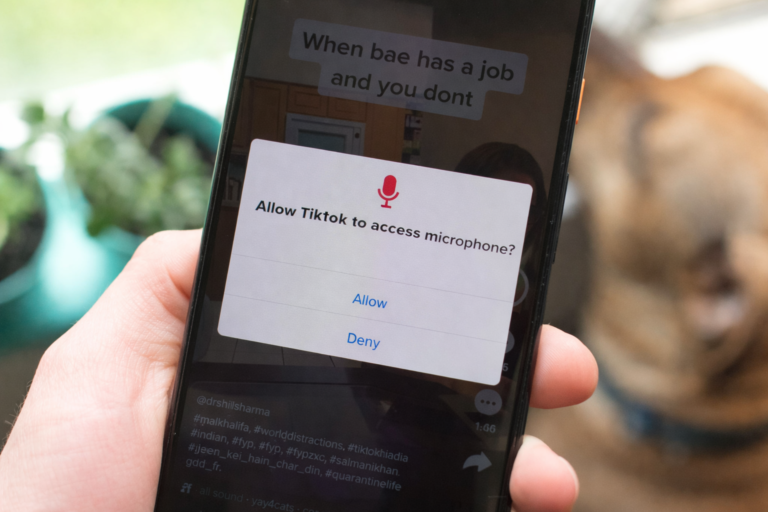
On many phones, the green dot shows up when the microphone is active too, especially when the app is using audio alongside the camera. Think of it as a quick “something is listening” warning.
It’s usually triggered by voice messaging, calls, video recording, or dictation. But if you see it while you’re not using anything audio-related, it’s worth closing your apps and paying attention. You don’t have to panic, but you also don’t have to ignore it.
3. It’s a built-in privacy feature, not a glitch.

A lot of people assume it’s a bug, because it appears and disappears so quickly. But it’s actually a deliberate privacy feature designed to keep you informed without interrupting you.
Before phones started using these indicators, you’d have no obvious clue when a camera or mic was active. Now you get a subtle signal, and you don’t need to go digging through settings to find it. It’s like a quiet little security guard living in your corner.
4. It’s most common on iPhones, but Android has versions too.

If you’re using an iPhone, you’ll usually see the green dot at the top right of your screen. Android phones often have similar indicators, though the design and placement can vary by brand and Android version.
So if someone tells you they don’t have it, they might still have the same feature in a different form. Some Android phones use a green icon, some show a mic symbol, and some give you a small notification instead. The point is the same: you’re being alerted.
5. You can check which app triggered it.
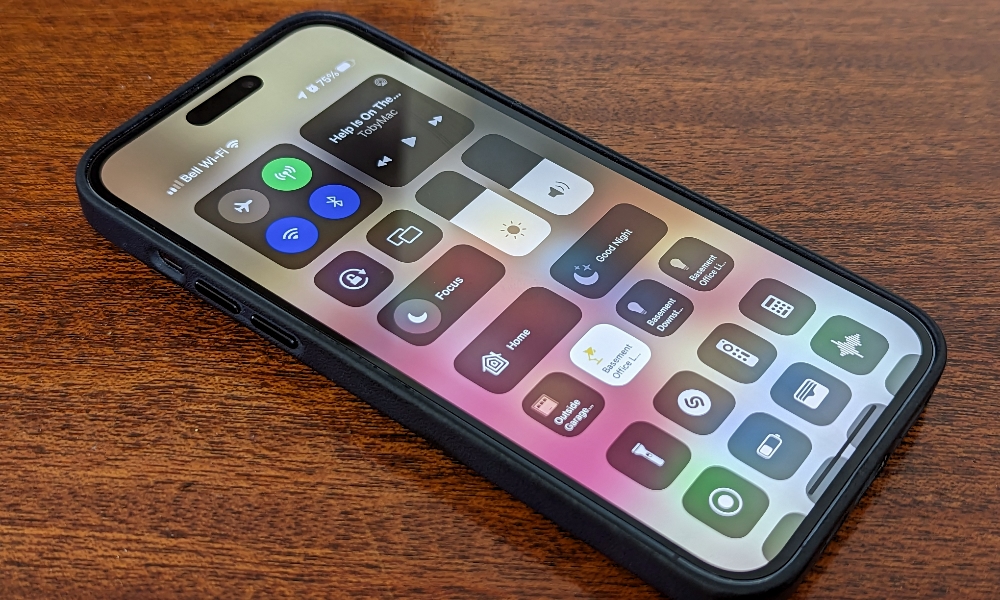
If the dot appears and you’re curious, you don’t have to guess. On iPhone, you can swipe down into Control Center and see exactly what app recently used the camera or microphone.
That little detail is where the feature becomes powerful. It turns vague suspicion into a clear answer. If it says your camera was used by your banking app, you’ll probably shrug. If it says it was used by an app you forgot you installed, that’s a different conversation.
6. It often shows up when apps run in the background.

Sometimes the dot appears even when you’re not “in” the app that needs the camera or mic. That’s because certain apps can run background activity briefly, especially if you left them open or they’re finishing a process.
Video apps, social media, messaging, and conferencing tools are the biggest offenders here. It doesn’t automatically mean something shady is happening, but it does mean your phone is keeping track. If it bugs you, closing apps fully can cut down on surprise dot moments.
7. It’s a reminder to review app permissions.

The green dot is a perfect excuse to do a quick cleanup of your app permissions. Because once you start noticing it, you realize how many apps technically have access to your camera or mic even if you rarely use those features.
A flashlight app doesn’t need your microphone. A coupon app probably doesn’t need your camera all the time either. If you go into settings and remove permissions from anything that feels unnecessary, your phone becomes quieter, cleaner, and less nosy.
8. It doesn’t mean you’re being hacked, but it doesn’t mean you aren’t.

People jump straight to “someone’s spying on me,” and most of the time that’s not what’s happening. The green dot usually appears for totally boring reasons, like a video call or voice note.
Still, the point of the dot is to help you notice patterns. If it keeps showing up at strange times, or it’s tied to an app you don’t trust, that’s when you investigate. You don’t need paranoia. You just need awareness, and that’s what the dot is for.
9. It can help you catch sneaky app behavior.

Sometimes apps will request access in a way that feels harmless, like “allow camera access to upload a profile photo.” Then later they quietly keep the permission forever, even though you only needed it once.
The green dot gives you a real-time signal that something is happening now, not just a permission you approved months ago. It’s a way to catch apps acting like they’re at an all-you-can-eat buffet of your personal data. The dot won’t stop it, but it makes it visible.
10. If it appears unexpectedly, you can shut it down fast.
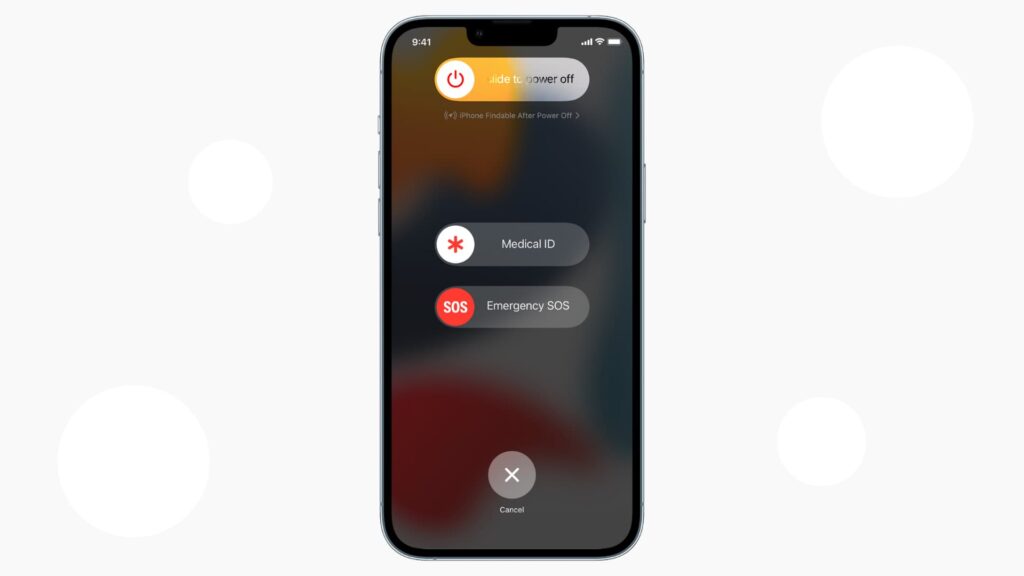
If the green dot pops up and you don’t like what you see, you don’t have to dig around for ten minutes. You can close the suspicious app, restart your phone, and then check permissions right after.
If you want to go one step further, uninstall the app you don’t trust. I’m a big believer in simple solutions. If something feels off, you don’t need to build a whole theory around it. Just remove the access, and move on with your day.